Create with AI.
Publish everywhere.
Generate videos, avatars, images and voiceovers — then schedule and publish to YouTube, TikTok, Instagram, X and more from one beautiful dashboard. No switching tools, no manual uploads.

Trusted by 2,400+ creators
Social Command Center
3 posts scheduled today
Publishing to 8 platforms
AI-generated avatar video
M
T
W
T
F
S
S
+47%
vs last month
Upcoming posts
YouTube
Today · 6:00 PM
TikTok
Tomorrow · 9:00 AM
Just now
One platform. Social publishing at the core — powered by:
Social Media Managerassistt · Analytics
Performance
All platforms · June 2026
24.8K
Impressions
+12%
1,284
Likes
+8%
392
Comments
+23%
Step 3 · Measure
Know exactly what works
No more checking five different apps. See impressions, engagement and growth across every connected account — and double down on content that performs.
Cross-Platform Insights
Compare performance and find your strongest channels.
Growth Tracking
Spot trends early and optimize your posting strategy.
Content Performance
See which videos, avatars or carousels drive results.
From connect to live in 3 steps
A streamlined workflow designed around how creators actually work — connect, create, publish.
STEP 01
Connect your accounts
Link YouTube, TikTok, Instagram, X, Facebook, Threads, LinkedIn and more in seconds. One setup, forever connected.
STEP 02
Create with AI or upload
Generate videos, avatars and images with our built-in AI studio — or upload your own content. Everything is publish-ready.
STEP 03
Schedule & go live
Publish instantly or drop into the calendar. One click sends your content to every platform at once.
The AI Video Agent that does everything for you
One brief. Full production. Script, presenter, B-roll, voice-over, music, and pacing — assembled automatically into a video you can publish the same day.
No credit card required to explore
From idea tobroadcast-ready video
Stop juggling editors, stock sites, and voice talent. Describe what you want to say — product launch, tutorial, internal update, or ad — and the Video Agent scripts the flow, casts an avatar when you need a face on camera, builds the visuals, and delivers a polished MP4.
Choose duration (up to a few minutes), orientation, and style. Add reference assets if you have brand visuals. Then generate, preview, download, or schedule to your connected social accounts without leaving Assistt.
Optional talking avatar
Add a realistic AI presenter with natural lip-sync and expressions — or go visual-only when you only need B-roll and voice-over.
Smart B-roll & visuals
The agent picks key moments in your brief and builds scenes with stock footage, AI-generated shots, and on-brand motion.
From brief to finished cut
Paste a script, product notes, or a rough idea. No timeline editing, no film crew — get a complete video in minutes.
Voice-over & music included
Automatic narration pacing and background music that match the tone of your content, so the piece feels finished out of the box.
Portrait or landscape
Export 9:16 for Reels, TikTok, and Shorts, or 16:9 for YouTube, webinars, and website embeds — same brief, right format.
Built for marketing workflows
Perfect for product demos, explainers, onboarding, ads, and founder updates. Schedule straight to social when the render is ready.
Talking-head videos without a camera
Turn any script into a professional presenter video. Realistic faces, perfect lip-sync, and natural delivery — ready for social, sales, training, and brand content.
Realistic AI avatarsthat look and sound real
Create hyper-realistic talking-head videos with perfect lip-sync, natural facial expressions, and gestures. No film crew, no studio booking, no reshoots — paste your script, pick a presenter and a voice, and export a broadcast-ready clip in minutes.
Use public avatars out of the box, create your own from a photo or AI generation, and reuse the same face across campaigns so your brand stays consistent everywhere you publish.
Hyper-realistic lip sync
Mouth, jaw, and facial motion stay locked to every word — so your avatar never looks dubbed or off-beat.
Natural expressions & gestures
Micro-movements, eye contact, and subtle emotion keep the performance human, not robotic.
Voices that match your brand
Pick a public voice, design a custom one, or clone a familiar tone — then pair it with any avatar look.
Multilingual by design
Speak to global audiences in dozens of languages without reshooting or hiring new talent for each market.
No studio, no crew
Skip cameras, lighting, and teleprompters. Type a script, choose a presenter, and export a talking-head video in minutes.
Built for social & sales
Ideal for product intros, founder updates, onboarding, ads, and personalized outreach at scale.
Before / After
Still photo → talking AI avatar with lip-sync
Zara Okoro· Professional presenter
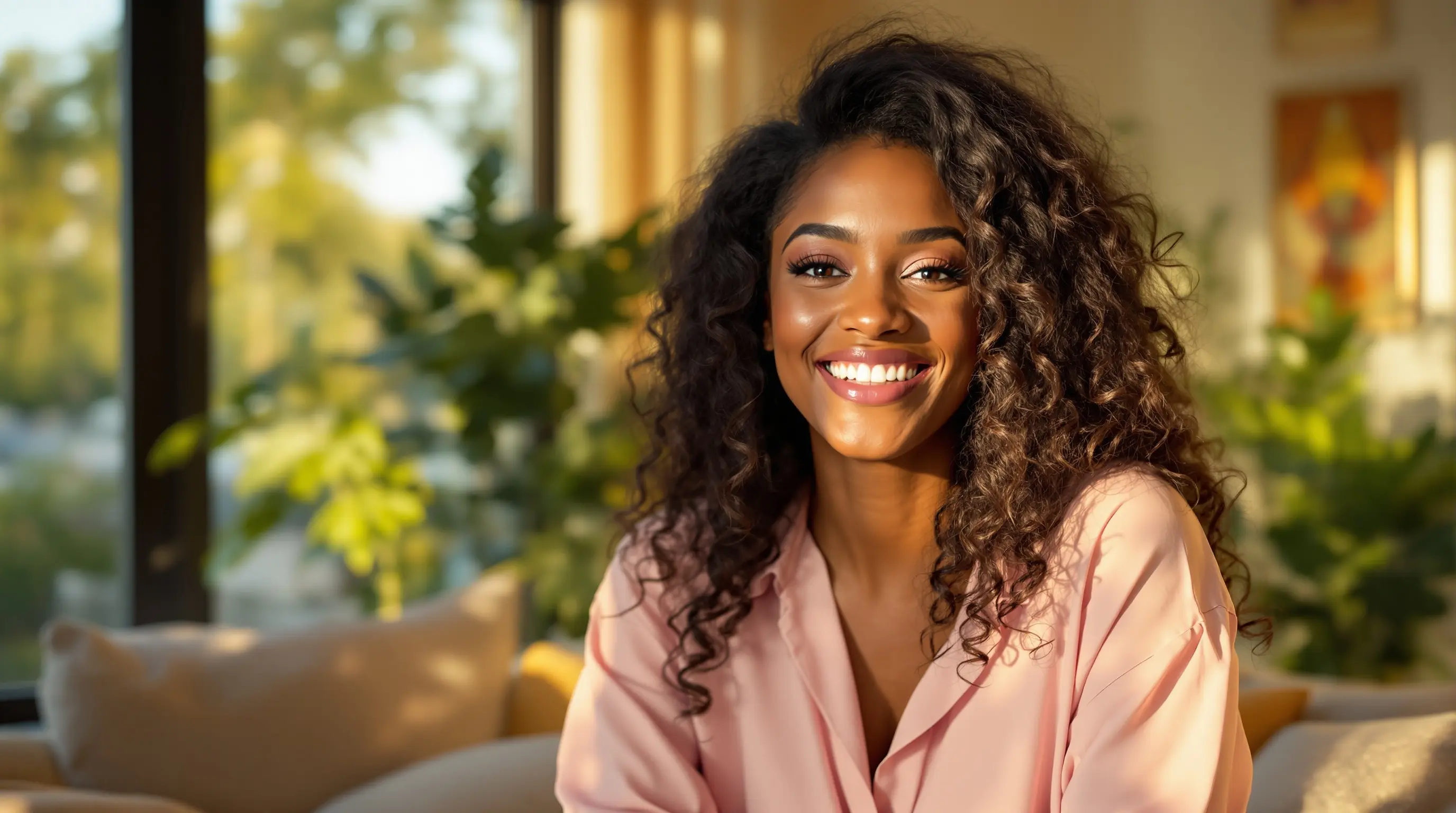
Drag the handle to compare · Same person, photo vs. AI talking video
Before
Static photo
After
Talking avatar
Ready-to-use AI Avatars
Professional presenters, educators, influencers, and more — pick a look and start talking.
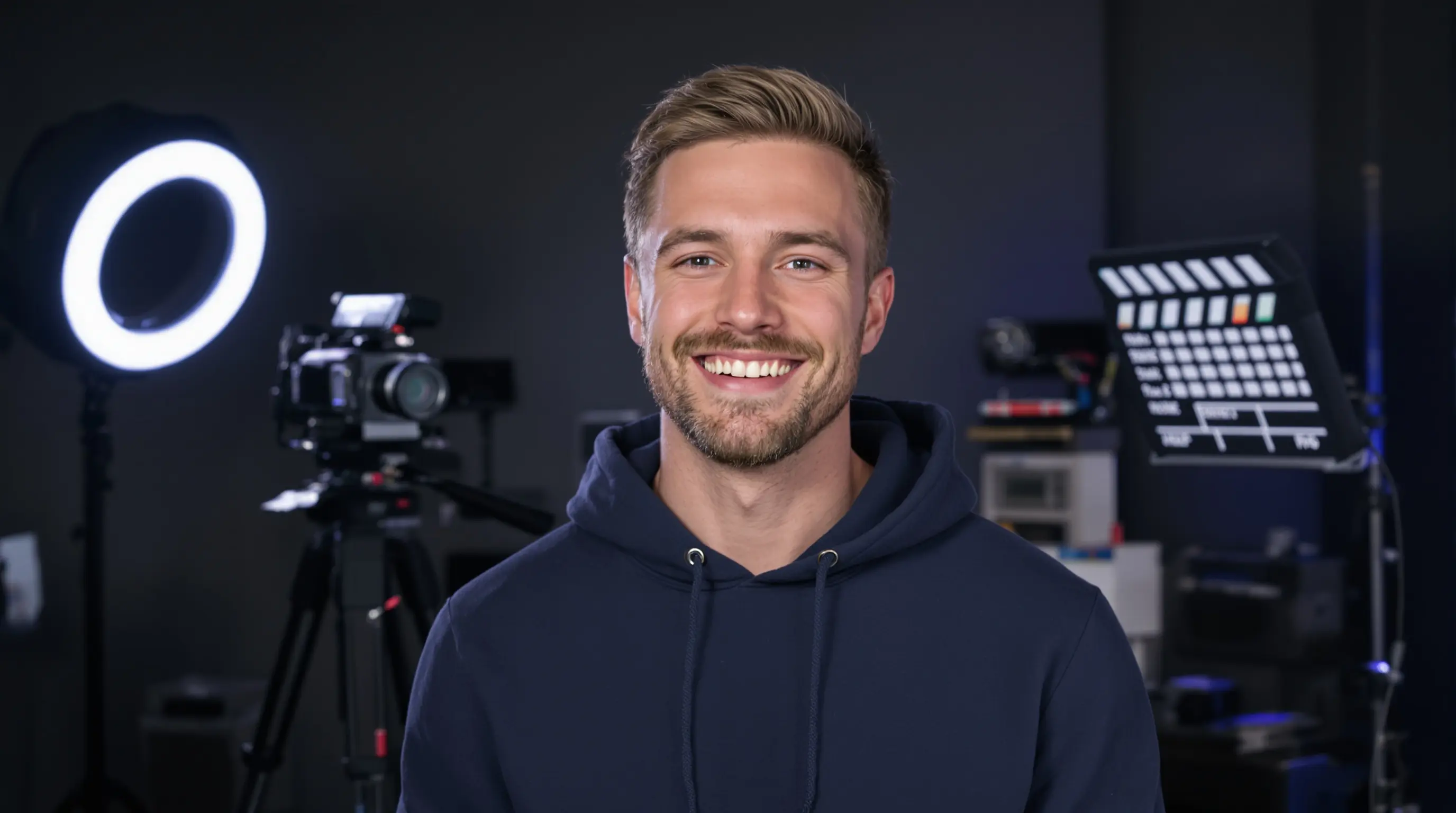
Tyler Brooks
UGC
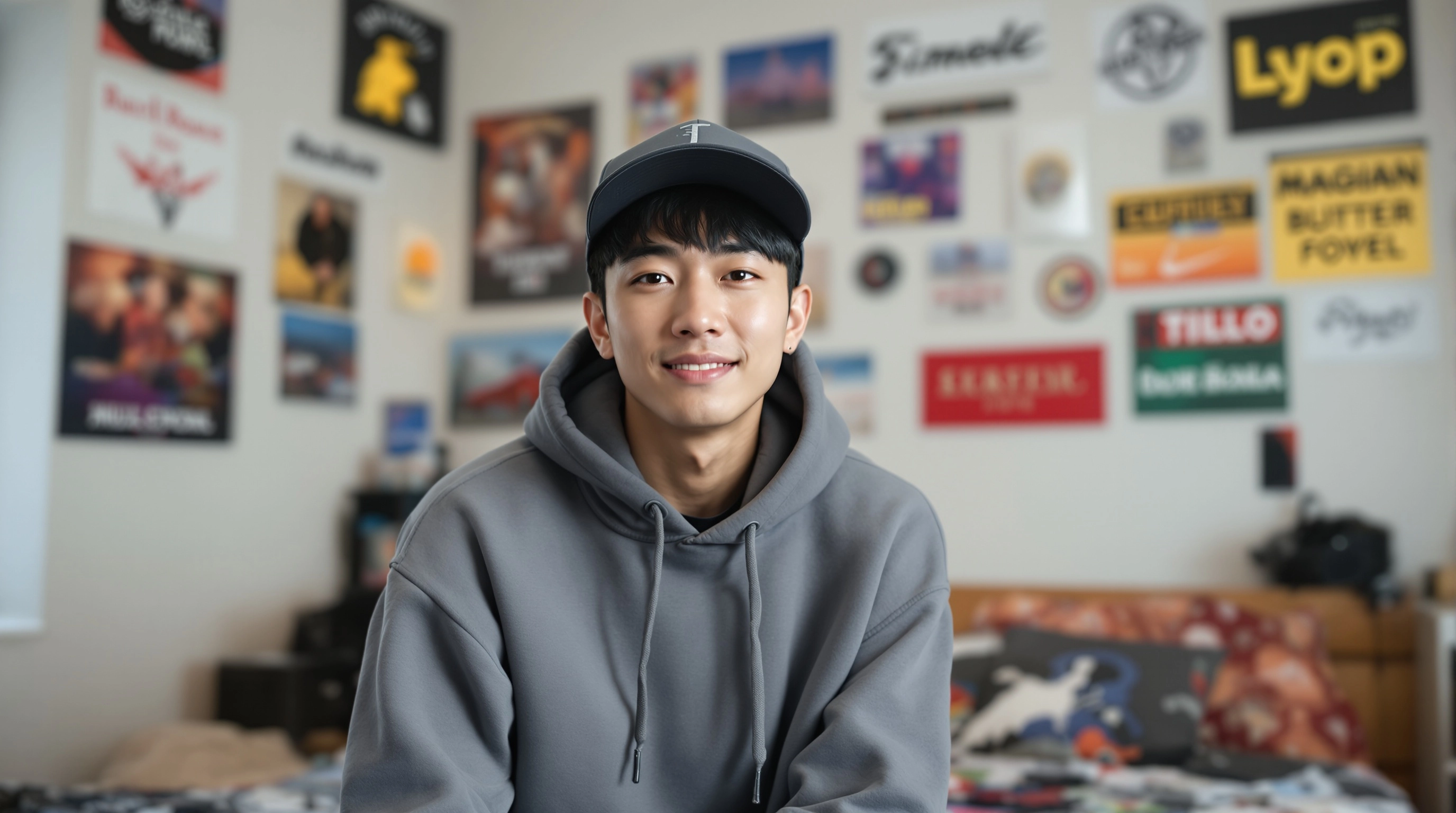
Ethan Kim
UGC
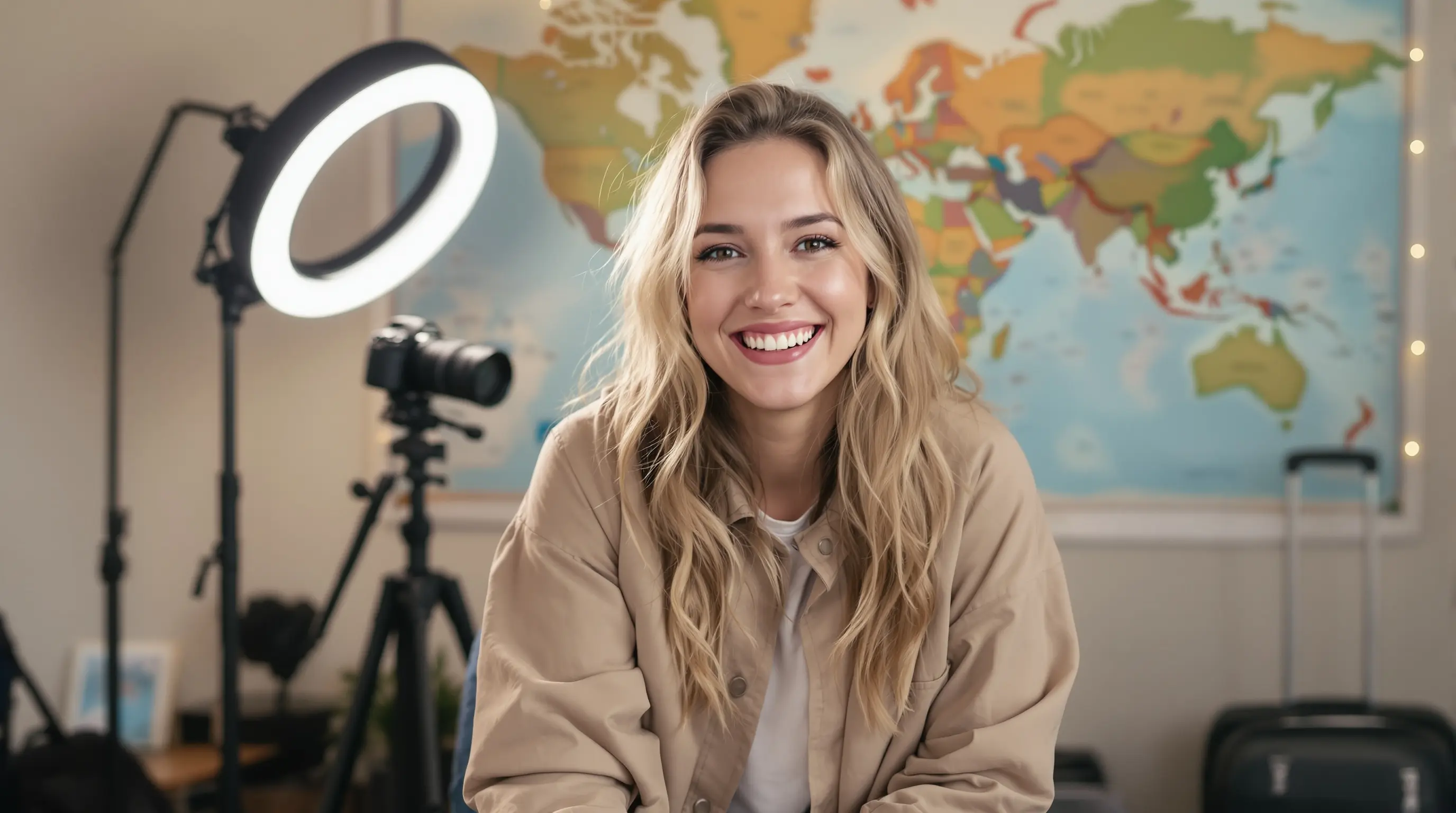
Ava Mitchell
UGC

James Carter
Professional

Dr. Sophia Grant
Professional

Thomas Leclerc
Education
AI Video GeneratorText to Video & Image to Video
Generate high-quality videos from text prompts or transform your static images into dynamic, cinematic videos in seconds. Perfect for creating social content, visual assets and video editing...
Text to Video
Describe any scene or concept in text and our AI will generate a realistic, high-quality video with smooth motion and professional visuals.
Image to Video
Bring your static images to life. Convert photos, illustrations, or AI-generated images into short cinematic videos with natural movement.
Full Customization
Choose aspect ratio (9:16 vertical, 16:9, etc.), resolution up to 720p, and video duration. Perfect for Stories, Reels, TikTok, and more.
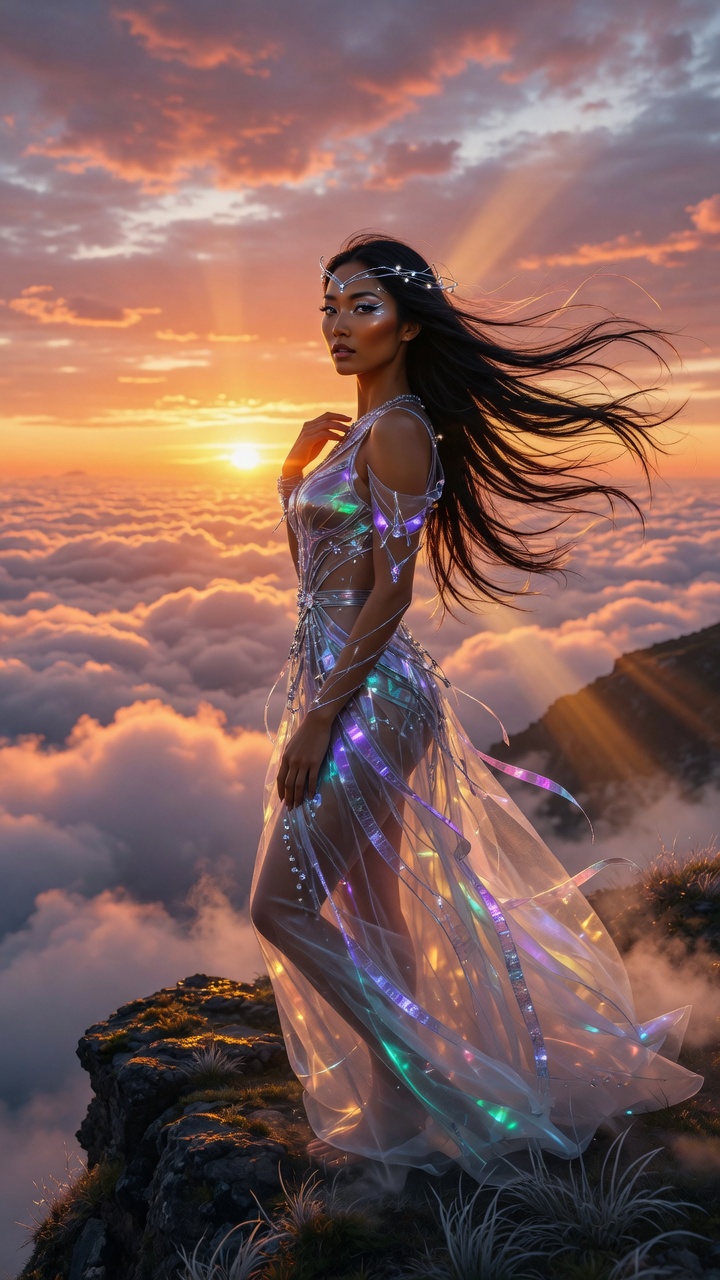
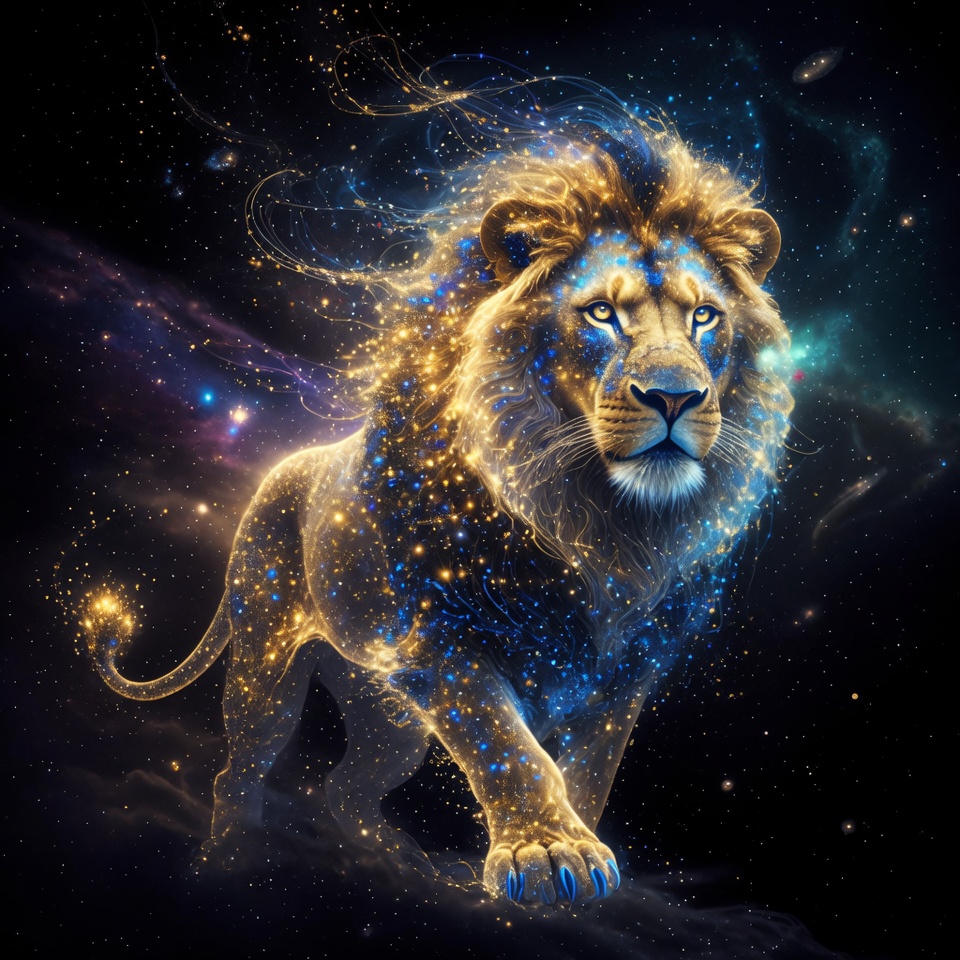
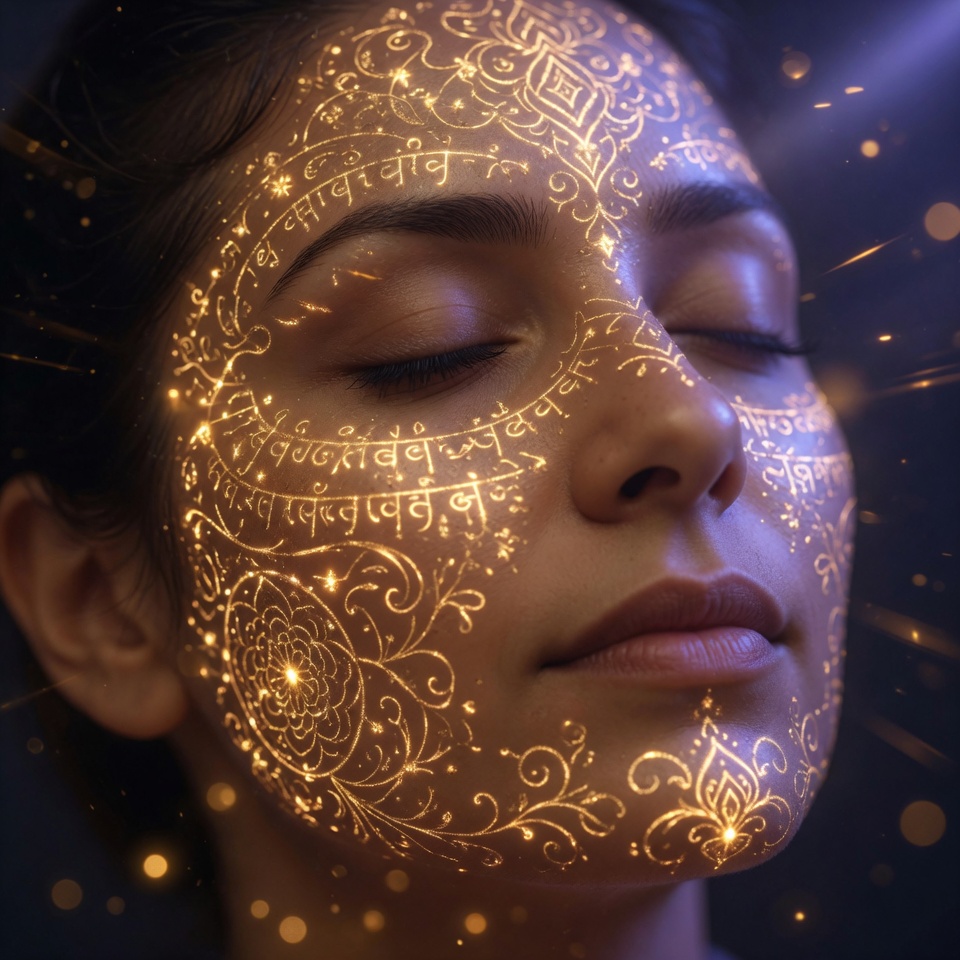
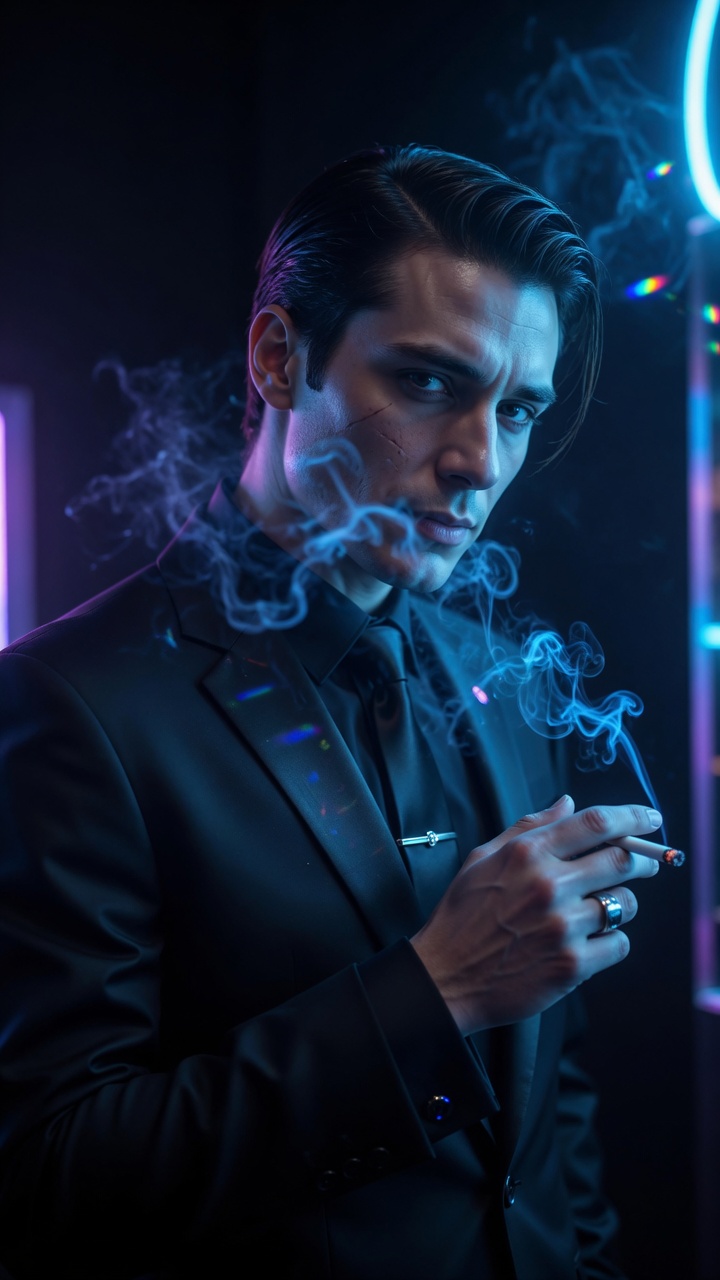
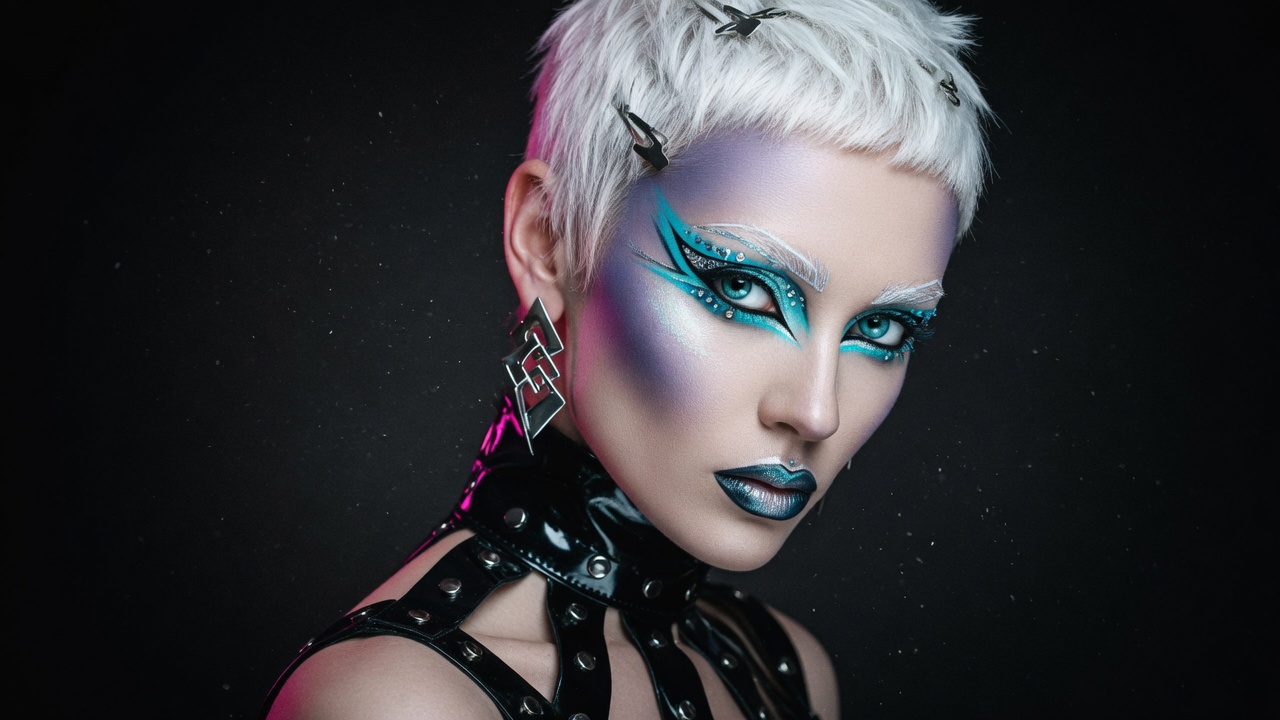
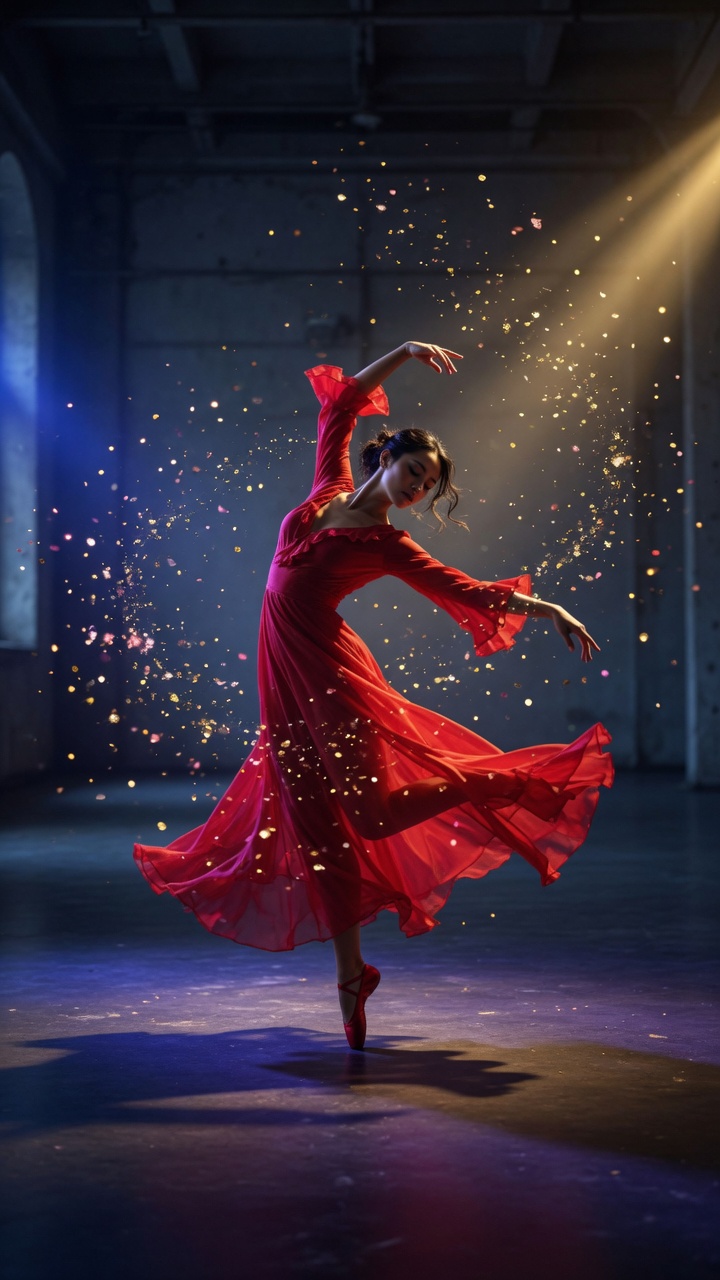
Powerful AI Image StudioGenerate, Edit & Transform
Create stunning images from text, transform existing photos with Image-to-Image, and professionally edit them — all with advanced AI tools in one place.
AI Image Generator
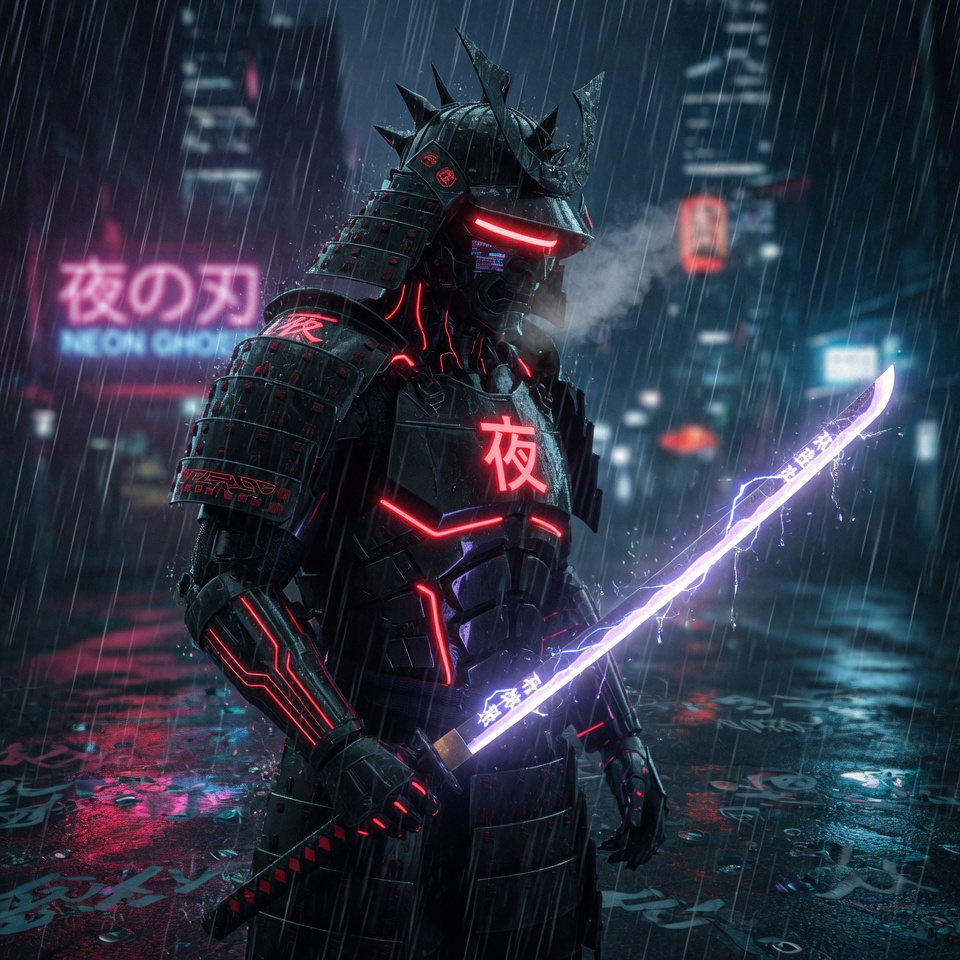
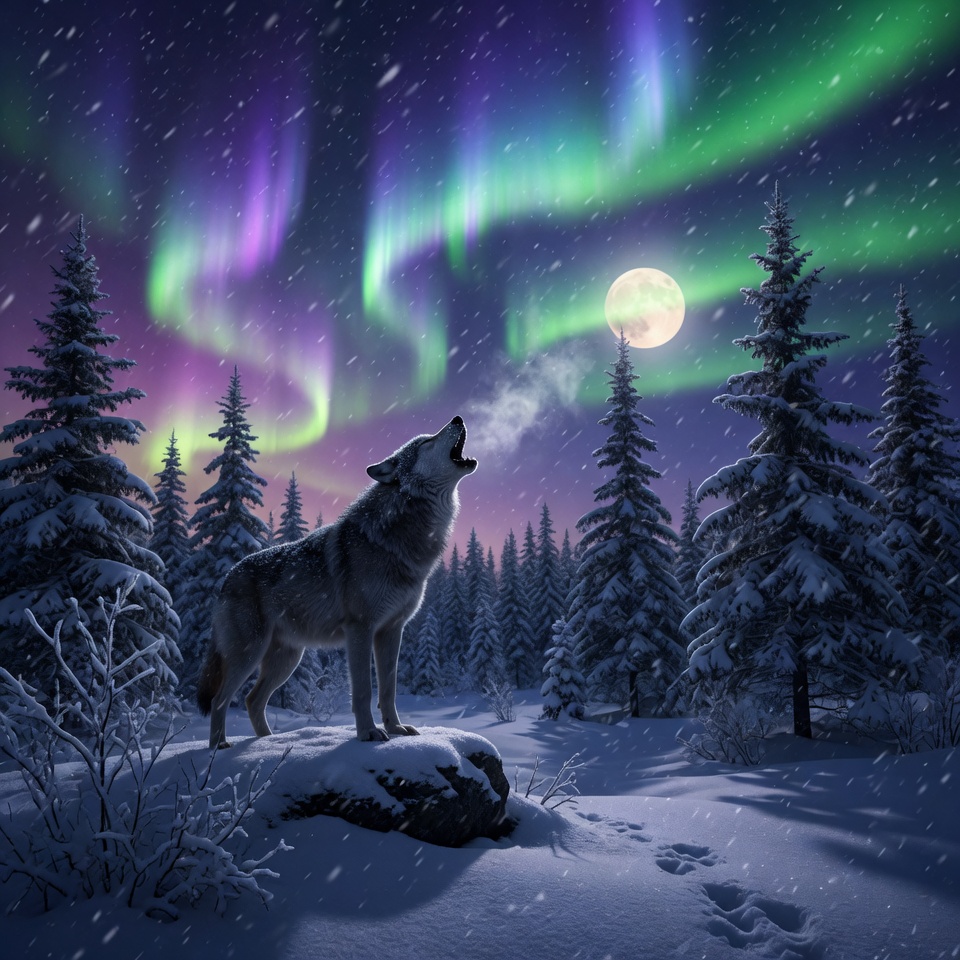
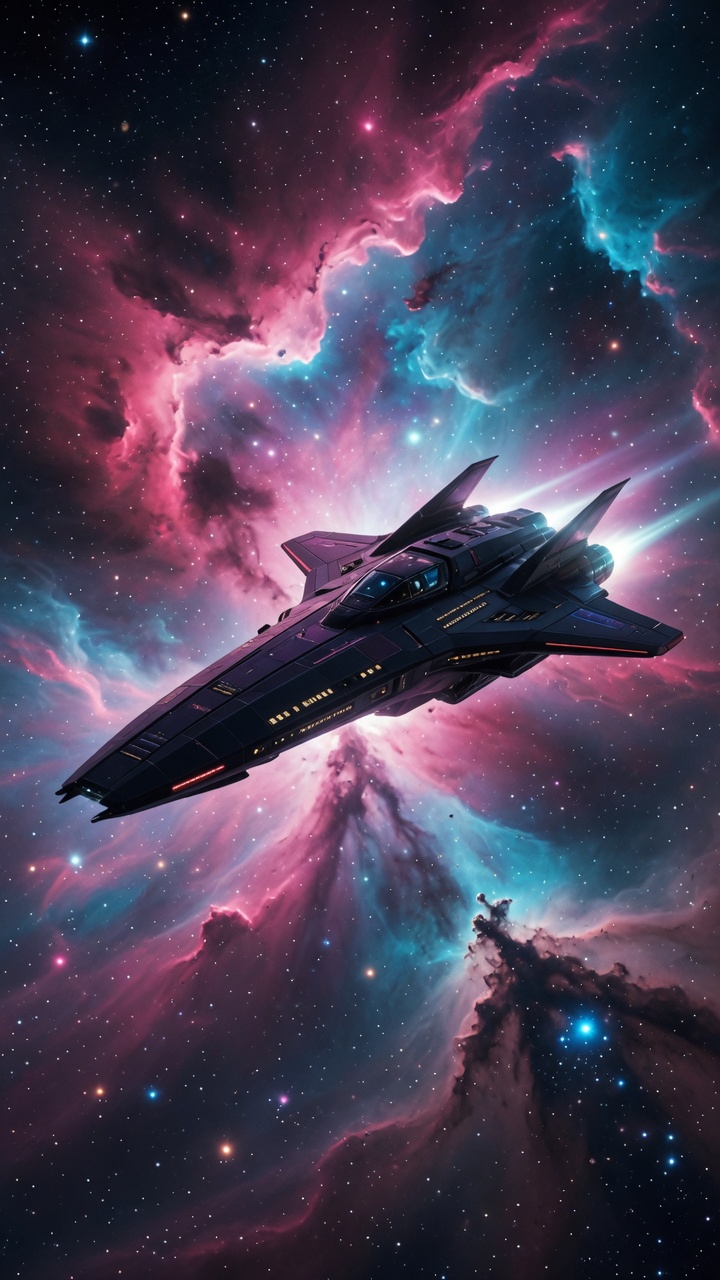
Turn text prompts into high-quality images. Choose aspect ratio (1:1, 16:9, 9:16, etc.), number of outputs, and artistic style (Realistic, Cyberpunk, Anime...).
Image to Image
Upload any image and describe the transformation. Change style, background, lighting, or turn photos into cyberpunk, oil painting, or futuristic versions.
Professional AI Image Editor
One-click quick edits: Colorize, HDR, Sepia, Oil Painting, Denoise, Upscale 4x, Remove Background, Cartoon Style, Vintage, and many more.
Full Control & Customization
Fine-tune every generation with aspect ratio, output quantity, style presets, and detailed transformation prompts for precise creative results.



Realistic AI Text to SpeechHuman-like Voiceovers
Convert any text into natural, expressive speech with dozens of high-quality AI voices across multiple languages and accents. Perfect for videos, podcasts, avatars, and social content.
Premium Voice Library
Choose from dozens of ultra-realistic voices — warm narrators, cinematic, conversational, podcast hosts, and more.
Advanced Voice Controls
Fine-tune Speed, Stability, and Style Exaggeration to match your desired emotion and tone.
Multi-Language Support
English, Spanish, Korean, French, Arabic and many more with natural pronunciation.
Lightning Fast
Generate professional voiceovers in seconds. Ready to use in videos or export instantly.
Ultra Realistic AI Voices
Ultra-realistic • Expressive • Human-like
50+ premium voices • Multiple languages • Instant generation
Your Voice, Cloned in Minutes
Upload • Clone • Speak
Upload audio samples
MP3, WAV, M4A — up to 10 files
Instant AI voice clone
Powered by ElevenLabs IVC
Generate speech
Use your clone in Text to Speech
Uploaded samples
Custom voices • Speech generation • Private to your account
AI Voice CloningSound Like You
Upload a few short audio samples and create a custom AI voice clone in minutes. Use it instantly inside Text to Speech for videos, podcasts, avatars, and social content.
Simple Sample Upload
Drag and drop up to 10 audio files. MP3, WAV, M4A, and more — with optional background noise removal.
Instant Voice Clone
Create a high-quality custom voice from your samples and preview it right away before generating speech.
Ready for Speech Generation
Select your cloned voice directly in the Text to Speech studio alongside the premium voice library.
Consistent Brand Voice
Keep the same voice across all your AI content — narrations, avatar videos, ads, and social posts.
AI Voice DesignCreate From a Prompt
Design entirely new AI voices from a text description, or remix your existing cloned voices with natural-language instructions. Preview, pick your favorite, and start generating speech instantly.
Design via Prompt
Describe the voice you want — tone, accent, personality, age — and get multiple AI-generated previews in seconds.
Remix Cloned Voices
Start from one of your cloned voices and reshape it with a prompt — higher pitch, more energy, softer delivery, and more.
Listen Before You Save
Play and compare every preview with built-in audio samples, then save the voice that fits your project best.
Ready for Text to Speech
Designed voices appear in your Text to Speech studio alongside library and cloned voices — one click to generate.
Prompt → Preview → Voice
Design • Remix • Speak
Voice prompt
A confident female narrator with a warm, mid-range tone and a subtle British accent — perfect for documentaries.
Describe your voice
A warm British narrator with a deep tone...
Preview AI-generated options
Listen and compare multiple voice previews
Save & generate speech
Use your designed voice in Text to Speech
Prompt-based design • Remix clones • Instant previews
Original Tracks in Seconds
Prompt • Compose • Download
Cinematic
Electronic
Lo-fi
Corporate
Ambient
Epic Trailer
Now playing
Neon Pulse — Electronic
Royalty-free • 15s–2min • Instrumental mode
AI Music GenerationOriginal Soundtracks
Generate royalty-free music from a text prompt. Perfect for video backgrounds, social content, podcasts, and ads — powered by ElevenLabs Music.
Prompt-to-Track
Describe the mood, genre, instruments, and tempo — AI composes a complete track.
Style Presets
Cinematic, electronic, lo-fi, corporate, ambient, and more — or write your own prompt.
Custom Duration
Generate tracks from 15 seconds to 2 minutes. Instrumental mode available.
Video-Ready Audio
Download MP3 tracks ready to drop into your Video Agent, avatars, or social posts.
AI Sound EffectsCinematic Audio
Generate high-impact sound effects from a text prompt. Perfect for video trailers, horror scenes, game audio, podcasts, and social content — powered by ElevenLabs Sound Effects.
Prompt-to-SFX
Describe any sound — cinematic braams, thunder, footsteps, whooshes — and get a studio-quality effect in seconds.
Effect Presets
One-click presets for trailers, horror, action, and transitions — or write your own custom description.
Flexible Duration
Auto-detect optimal length or set 1s to 30s. Seamless loop mode for ambient background sounds.
Production-Ready Audio
Download MP3 effects ready to layer into Video Agent projects, podcasts, games, and social edits.
Impact Sounds in Seconds
Describe • Generate • Download
Cinematic Braam
Thunder
Door Creak
Explosion
Whoosh
Footsteps
Latest effect
Cinematic Braam — Horror
Accurate Speech to Text transcription
Convert audio and video into precise, timestamped text instantly. Perfect for creating scripts, subtitles, notes, and turning spoken content into ready-to-use video scripts.
High Accuracy Transcription
Advanced AI recognizes speech with exceptional precision, even with accents, background noise, or multiple speakers.
Clean & Readable Text
Get well-structured, easy-to-read transcripts from your audio and video files.
Lightning Fast Processing
Transform hours of audio or video into text in just minutes. Supports most common file formats.
Perfect for AI Video Creation
Turn your transcribed audio into professional scripts and feed them directly into the AI Video Agent to generate talking-head videos.
You can sign up for free
No matter your niche — Assistt helps you create and publish content more, faster, and better.
Start Creating for FreeBuilt for creators who want to scale faster
See how different professionals are using Assistt to save time and grow their audience.

Content Creators
Create talking head videos, TikTok & Instagram Videos, YouTube Shorts, and long-form content 10x faster with realistic AI avatars and video agent.
✓From script to published video in under 5 minutes

Social Media Managers & Agencies
Generate and schedule consistent content across TikTok, Instagram Reels, YouTube Shorts, and X for multiple clients.
✓Manage 10x more accounts with less effort

Digital Marketers & Brands
Produce high-converting video ads, product explanations, and promotional content without hiring expensive video teams.
✓Higher engagement and conversion rates
Online Educators & Coaches
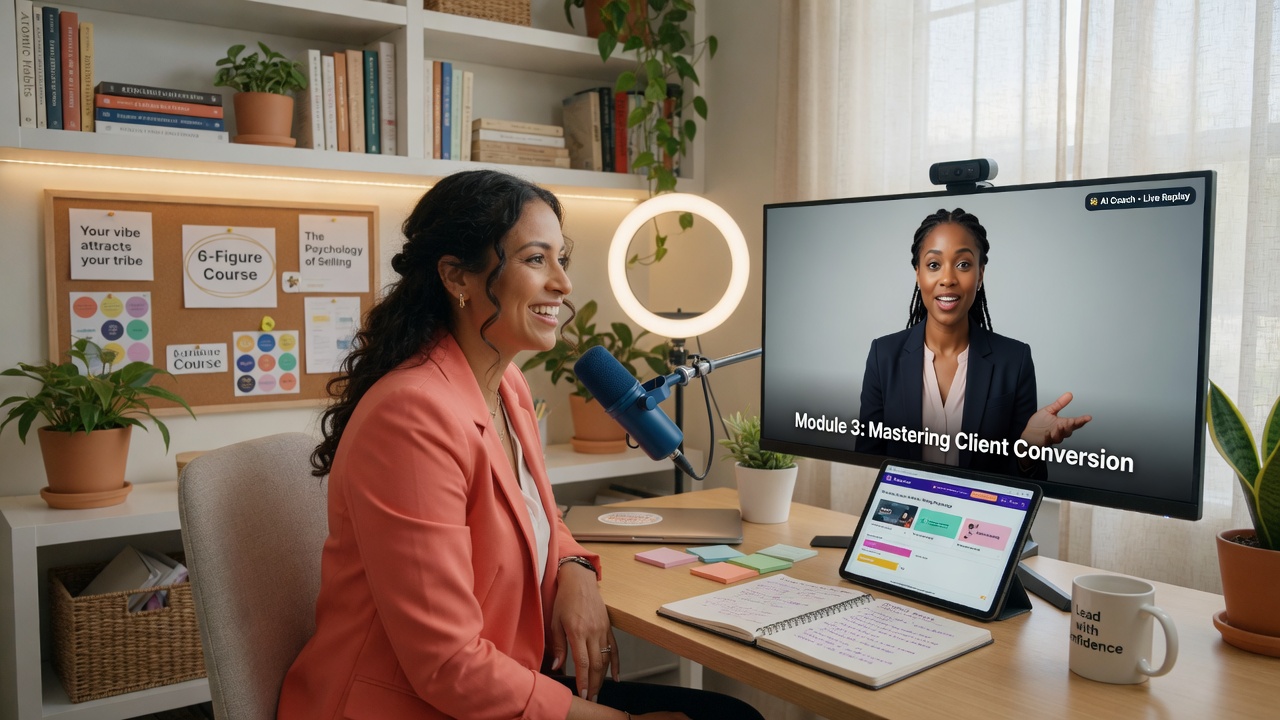
Turn your courses, tutorials, and knowledge into professional video lessons with AI avatars that speak naturally.
✓Scale your education business effortlessly
Your social command centerbuilt into the platform
Stop juggling five different tools. Create content with AI, schedule it visually, and publish to 10+ platforms — all without leaving assistt.
Step 1 · Connect
Every platform your audience is on
Link your accounts once. Publish everywhere from a single dashboard.
Step 2 · Plan & publish
Everything you need to manage social
Schedule, publish and track — without leaving the platform you already use to create content.
01
One-Click Multi-Platform Publishing
Publish AI-generated videos, avatars, images or your own uploads to every connected account simultaneously — no tab switching.
02
Visual Social Calendar
Plan your content strategy with drag-and-drop scheduling. See published vs upcoming posts at a glance.
03
Smart Scheduling
Set optimal posting times per platform or build recurring schedules that run on autopilot.
04
Unified Analytics
Track impressions, engagement and growth across all platforms from a single real-time dashboard.
assistt · Social Calendar
June 2026
Mon
Tue
Wed
Thu
Fri
Sat
Sun
Upcoming posts
Product launch teaser
YouTube · TikTok · Instagram
Today · 6:00 PM
ScheduledBehind-the-scenes carousel
Instagram · Facebook
Tomorrow · 9:00 AM
ScheduledWeekly tips thread
X · Threads · LinkedIn
Fri · 12:00 PM
DraftCaption
🚀 New product drop this week! Watch the full teaser and let us know what you think...
Today · 6:00 PM
Best time for TikTok & Reels