Best AI Clipping Tools 2026: Opus Clip vs Klap vs Assistt
- ai clipping tools
- viral clips
- opus clip
- content repurposing
- short form video
- assistt
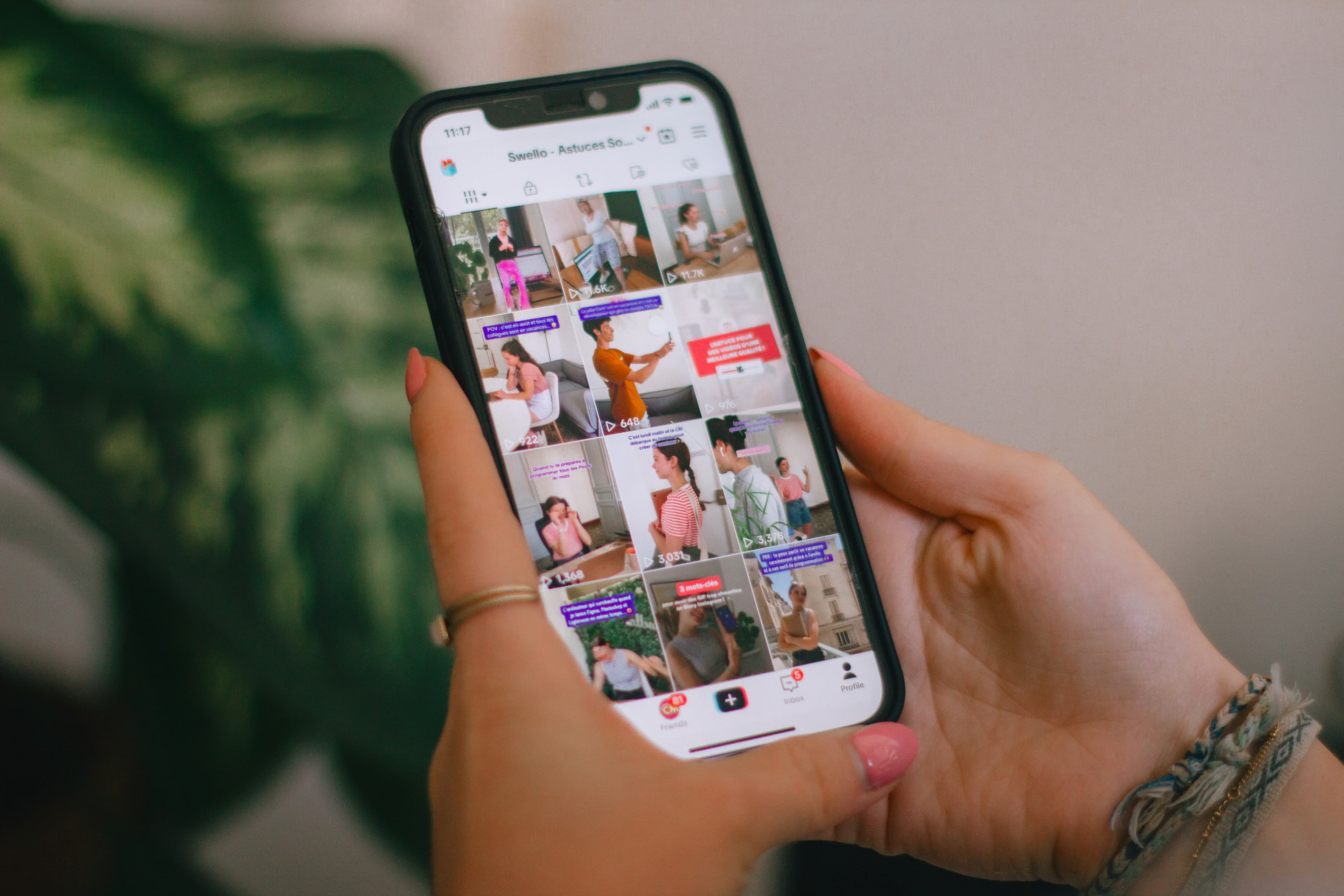
We tested the leading AI clipping platforms head-to-head. See how Opus Clip, Klap, Munch, Vizard, and 2short.ai stack up against Assistt's integrated Viral Clips workflow.
The market for AI-powered clipping tools has matured quickly. Creators and marketing teams now expect more than basic auto-highlight detection; they want accurate moment selection, flexible output specs, reliable captions, and a direct path to publishing.
What We Compared
We evaluated six platforms on five practical criteria: clip quality and virality scoring, customization options, workflow friction, multi-format support, and end-to-end publishing. All testing used the same 45-minute podcast and webinar recordings.
Opus Clip
Opus Clip remains a strong performer for straightforward repurposing. It reliably pulls highlight moments and adds captions. However, users often need to export clips and move them into a separate scheduler, adding steps when managing multiple platforms.
Klap
Klap emphasizes fast turnaround and clean vertical output. Its strength lies in simple interfaces for quick social clips, yet it offers fewer controls for duration or aspect ratio compared with more advanced suites.
Munch
Munch targets teams already deep in social workflows. It performs well on interview-style content but can require manual review when source material contains long monologues or quiet segments.
Vizard
Vizard shines for webinar and meeting recordings. Its speaker detection helps with multi-person content, although the clip selection logic sometimes favors length over engagement potential.
2short.ai
2short.ai focuses on speed and minimal setup. It works adequately for one-off clips but lacks deeper customization around virality scoring or integrated audio tools for polishing final exports.
Assistt Viral Clips Workflow
Assistt approaches clipping as one part of a larger creative system. Users upload a file or paste a public URL, select 1–4 clips, set a maximum duration (30 seconds to 3 minutes), choose aspect ratio (9:16, 1:1, or 16:9), and optionally enable styled auto-captions. The system scores each moment for virality and returns ready MP4 files.
Where Assistt differentiates is the immediate next step: every generated clip includes a Schedule button that feeds directly into the built-in social scheduler. No separate exports or platform logins are required.
Why Assistt Wins for Most Teams
The real advantage appears when clipping is not an isolated task. Assistt lets users move from long-form source to short-form clips, then refine audio with Text to Speech or Voice Cloning if needed, generate supporting images or B-roll, and publish across YouTube, TikTok, Instagram, LinkedIn, and X from one dashboard. This connected workflow reduces context switching that slows teams using standalone clippers.
Choosing the Right Tool in 2026
If your needs are limited to occasional single-platform clips, simpler tools may suffice. For creators and marketing teams producing consistent short-form content from podcasts, webinars, or interviews, an all-in-one platform that combines strong clip generation with publishing and additional creative tools removes friction and keeps brand output consistent.
Put Assistt Viral Clips to Work Across Your Full Content Stack
Assistt combines its Viral Clips engine with AI Video Agent, Talking Avatar Video, AI Image Generator, Text to Speech, Voice Cloning, and direct Social Publishing & Scheduling. Generate highlight reels, add branded voice-overs or avatars if required, create supporting visuals, then schedule posts to every major platform without leaving the workspace. Start a free trial today and see how the integrated workflow changes your clipping process.