Clone Your Voice in 2 Minutes and Create Pro Videos Without Filming Yourself
- voice clone ai
- ai voice cloning
- create videos without filming
- faceless video ai
- ai content creation tools
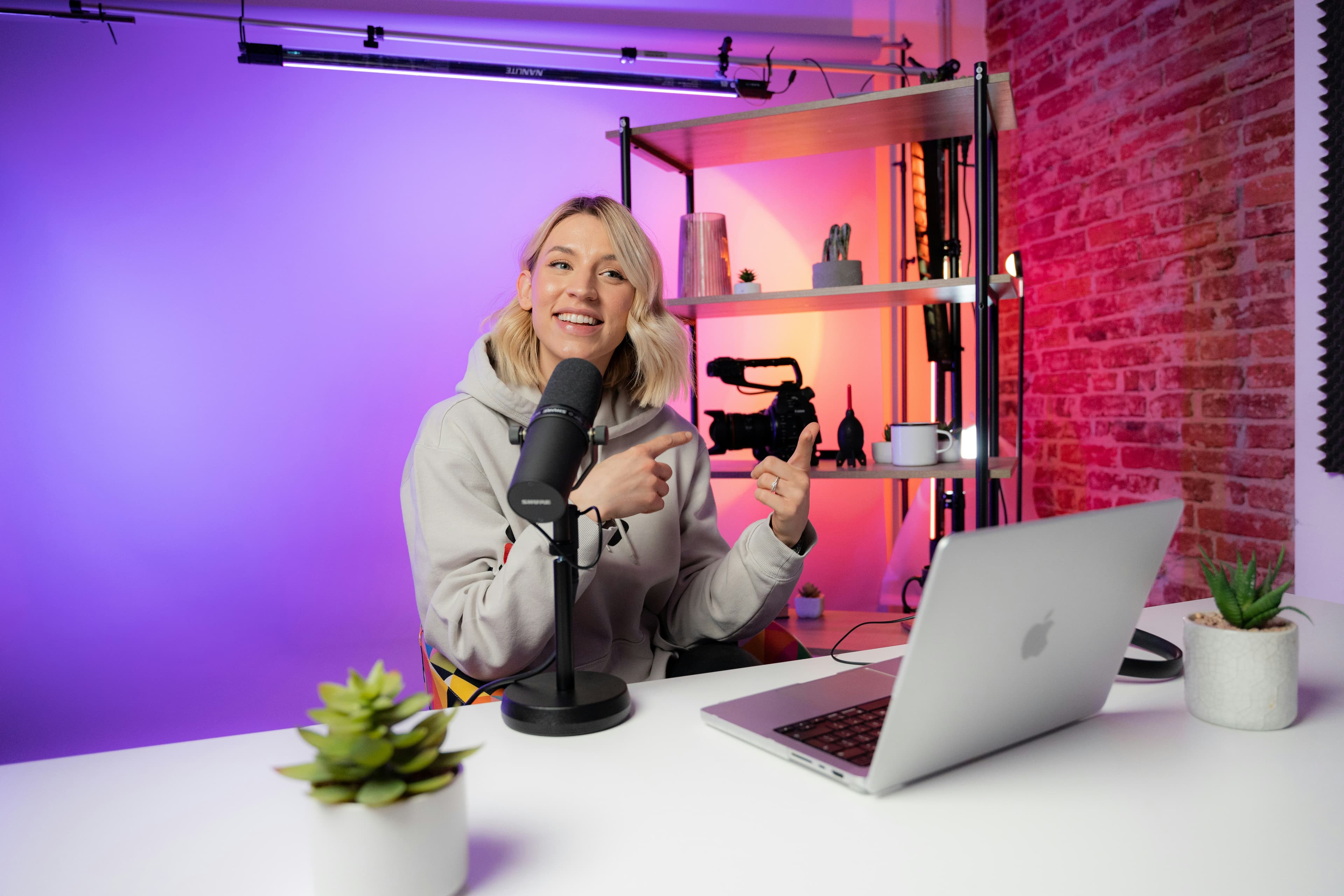
Thanks to AI, it’s now possible to clone your voice in just a few minutes and create professional videos without ever filming yourself. Discover how this technology is changing content creation for coaches, creators, and freelancers.
Producing high-quality video content often requires a lot of time and effort. Between writing the script, filming, editing, and recording voiceovers, the whole process can quickly become overwhelming. Many creators, coaches, and freelancers end up being inconsistent with their content because the production process is too heavy.
Today, artificial intelligence has made it possible to significantly simplify this workflow. One of the most useful advancements is the ability to clone your voice and use it to create professional videos without ever appearing on camera or recording yourself.
Why Voice Cloning Changes Everything
Having a consistent voice across your content is a real advantage. Whether you’re a coach, trainer, content creator, or freelancer, your voice is part of your personal brand.
The problem is that many people don’t like being on camera or simply don’t have the time to record a voiceover for every single video. Voice cloning solves this issue: you record a few voice samples once, and you can then generate natural-sounding voiceovers for all your future videos.
How Voice Clone Works on assistt.io
On assistt.io, the Voice Clone feature is designed to be fast and simple:
You upload 5 to 10 short audio samples of your voice (a few minutes of recording is usually enough).
The tool analyzes your voice and creates a clone within minutes.
You can then use this cloned voice inside the Video Agent to generate videos where an avatar speaks with your voice.
The result is generally very natural, especially if the original recordings are clear. You can also adjust parameters like speed or tone to fine-tune the output.
Create Professional Videos Without Filming Yourself
You can create complete videos without ever showing your face or recording audio. The process works like this:
Write a script or outline your idea
Choose a realistic AI avatar
The system automatically adds relevant B-roll and background music
You end up with a professional-looking video in just a few minutes.
This approach is especially useful for:
Coaches and trainers who want to scale their content
Creators who publish frequently
Freelancers who sell digital products (mini-courses, video guides)
People who want to maintain a regular presence without constantly being on camera
Other Features That Complement Voice Cloning
Voice cloning becomes even more powerful when combined with the other tools available on the platform:
AI Music: Generate royalty-free background music that matches the tone of your video directly inside the tool.
Image Tools: Create thumbnails, graphics, or carousels to support your videos.
Social Media Manager: Schedule and publish your videos directly to YouTube and other platforms without leaving the platform.
Having these features in one place significantly reduces production time and the number of tools you need to use.
A Real Gain in Time and Consistency
The biggest advantage of this approach is consistency. Many creators struggle to post regularly because the creation process takes too long. By combining voice cloning with AI video generation, it becomes much easier to produce more content without burning out.
Additionally, since you don’t need to film or record yourself every time, you can create content even when you’re not feeling well or don’t have the time to set up proper recording equipment.
Final Thought
Cloning your voice in just a few minutes and using it to create professional videos without filming yourself has become very accessible in 2026. Platforms like assistt.io make this process relatively simple by combining voice cloning, AI avatar videos, music generation, and publishing tools in one workspace.
If you want to produce more content without spending hours in front of a camera or microphone, this approach is worth testing.
You can try the Voice Clone feature on assistt.io for free and see the quality of the results with your own voice.
Picture of Videodeck .co on Unsplash