Create Professional Content Without Being on Camera: A Guide for Coaches, Consultants & Experts
- faceless content
- create content without camera
- ai content for coaches
- faceless youtube
- thought leader content
- consultant content creation
- ai video for experts
- personal branding without camera
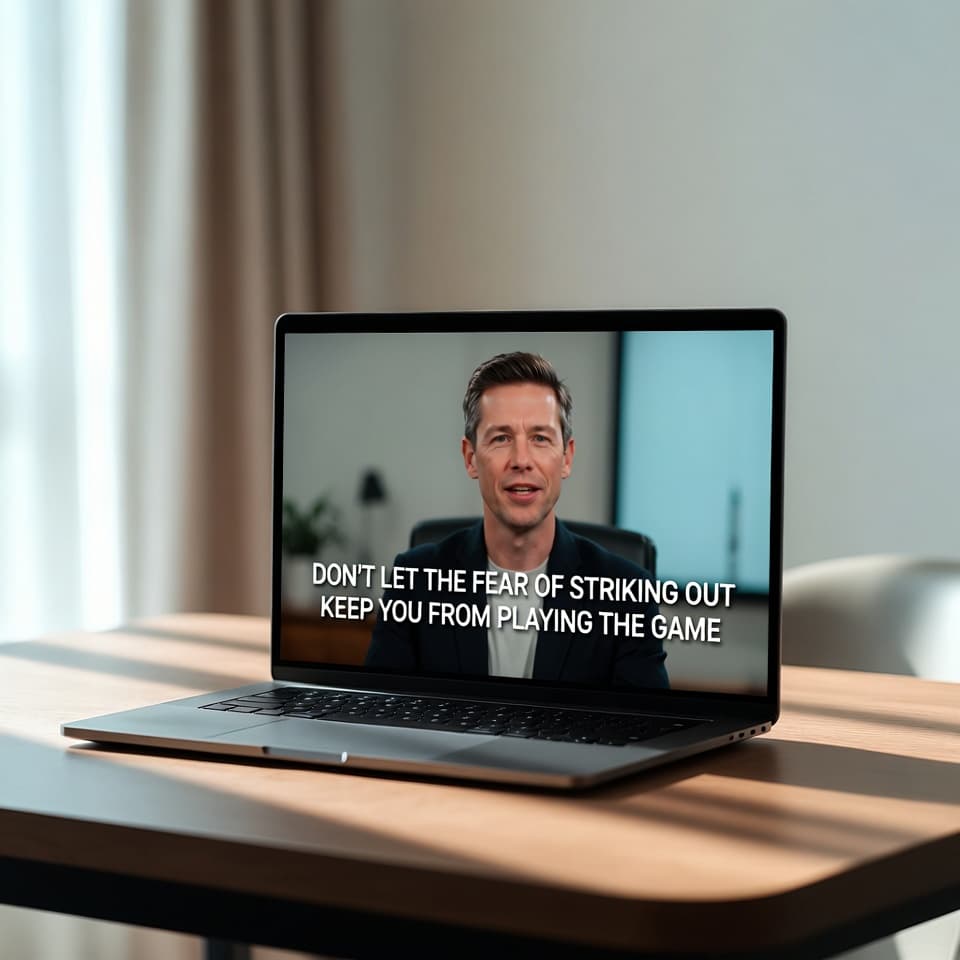
Many coaches, consultants, and thought leaders want to show up consistently but don’t want to be on camera. Here’s how you can create high-quality videos, carousels, and content that builds authority — without ever filming yourself.
Create Professional Content Without Being on Camera: A Guide for Coaches, Consultants & Experts
If you’re a coach, consultant, or thought leader, you already know how important consistent content is. But here’s the reality most people don’t talk about: a lot of experts simply don’t want to be on camera.
Maybe you value your privacy. Maybe you don’t enjoy filming yourself. Or maybe you just don’t have the time and energy to plan outfits, set up lighting, and edit videos every week. The good news is you no longer have to choose between showing up consistently and protecting your personal space.
More and more coaches and experts are building strong personal brands with faceless content — and it’s working surprisingly well.
Why Being on Camera Is No Longer Required
In the past, video content almost always meant showing your face. That created a natural barrier for many professionals who preferred to keep some distance between their personal life and their business.
Today, the quality of AI avatars has reached a point where you can create videos that feel professional, warm, and credible without ever recording yourself. The technology handles lip-sync, expressions, and even natural gestures. What matters most now is the quality of your ideas, not whether your face appears on screen.
This shift has been especially valuable for coaches and consultants who want to:
Protect their privacy
Maintain a more polished, brand-focused image
Create content at scale without burnout
Stay consistent even during busy client periods
What “Faceless Content” Actually Looks Like in Practice
Faceless doesn’t mean low quality or impersonal. Quite the opposite.
You can create:
Short educational videos (60–90 seconds)
Longer thought leadership videos (5–12 minutes)
Series that position you as the go-to expert in your niche
Content that feels personal even though an AI avatar is speaking
The key is choosing an avatar that matches the tone you want to convey and writing scripts that sound like you. When done well, your audience connects with your ideas and expertise rather than your physical appearance.
How to Create Professional Content Without Filming Yourself
Here’s a simple workflow that many coaches and experts are using today:
Start with what you already have. Most people already have ideas, notes from client calls, frameworks they teach, or topics they want to cover. You don’t need a perfect script. Even bullet points or a rough outline work well.
Then use a tool like assistt.io’s Video Agent. You paste your content, choose an avatar that fits your brand, and let the system generate the video. It automatically adds relevant visuals, adjusts the pacing, and includes background music if you want it. The whole process usually takes between 5 and 15 minutes per video.
Once the video is ready, you can publish it directly to LinkedIn, YouTube, Instagram, or wherever your audience spends time. Some people also use the same tool to create supporting images or carousels to go with their videos.
The biggest advantage is consistency. Instead of struggling to produce one video every two weeks, many experts are now able to publish 3 to 5 pieces of content per week without it taking over their schedule.
Choosing the Right Approach for Your Brand
Not every coach needs the same type of content. Here are a few directions that tend to work well:
Some experts prefer a single consistent avatar that becomes part of their brand identity. Others like to rotate between two or three different avatars depending on the topic or format. Both approaches can work — it depends on the image you want to project.
You can also combine video with other formats. For example, turn key ideas from your videos into carousels or short posts. This helps you reach people who prefer to read and reinforces your message across different platforms.
A Few Practical Tips from Experts Already Doing This
Write in your real voice. Even if an AI avatar is speaking, your audience should still feel like they’re hearing from you. Use the same expressions, examples, and tone you would use in a real conversation or workshop.
Focus on value first. The best faceless content still solves real problems or shares useful perspectives. When your content is genuinely helpful, people care much less about whether they see your face.
Start simple. You don’t need to create a huge content system on day one. Many coaches begin with one short video per week and gradually increase once they see what resonates with their audience.
Is This Approach Right for You?
If you’ve been holding back on video content because you don’t want to be on camera, this is probably one of the easiest ways to start. The barrier to entry is much lower than traditional video production, and the quality is high enough for most professional use cases.
Of course, it’s not the right fit for everyone. Some coaches build their entire brand around their personality and presence on camera. But if that’s not you — or if you simply want more flexibility — creating professional content without being on camera is now a very realistic and effective option.
One Platform, Multiple AI Tools (And Real Savings)
Here’s something that makes a real difference for many coaches and consultants: you don’t need to juggle five or six different tools to create professional content.
On top of the Video Agent, the platform also includes several other AI features that are genuinely useful when you want to create content consistently:
Image Generator and Image Editor to quickly create visuals, carousels, or custom graphics
Text-to-Speech and Speech-to-Text tools if you want to work with audio
Social Media Manager to schedule and publish across LinkedIn, YouTube, Instagram and other platforms in one place
Built-in analytics to see what’s actually performing
Instead of paying for separate subscriptions (one tool for video avatars, another for images, another for scheduling, etc.), everything lives in the same workspace. This not only saves time, but it also reduces the overall cost of your content creation stack.
For many independent coaches and consultants, this all-in-one approach ends up being significantly more economical while making the whole process much simpler.
Ready to Get Started?
You can try creating your first video for free on Assistt.io. No credit card is required to test it. Just bring one idea or topic you’ve been wanting to share, and see how quickly you can turn it into a finished piece of content.
Many coaches and consultants are using this approach to stay visible and build authority without adding more time in front of a camera. If that sounds like something you’ve been looking for, it’s worth testing with one of your own topics.
Final thought: The experts who will stand out in the next few years won’t necessarily be the ones who show their face the most. They’ll be the ones who show up consistently with valuable ideas — in whatever format works best for them.