How to Create and Monetize Lo-Fi Music with AI in 2026 (Without Getting Demonetized)
- lofi ai music 2026
- monetize ai music without demonetization
- best ai music tools
- assistt.io vs suno
- create lofi with ai
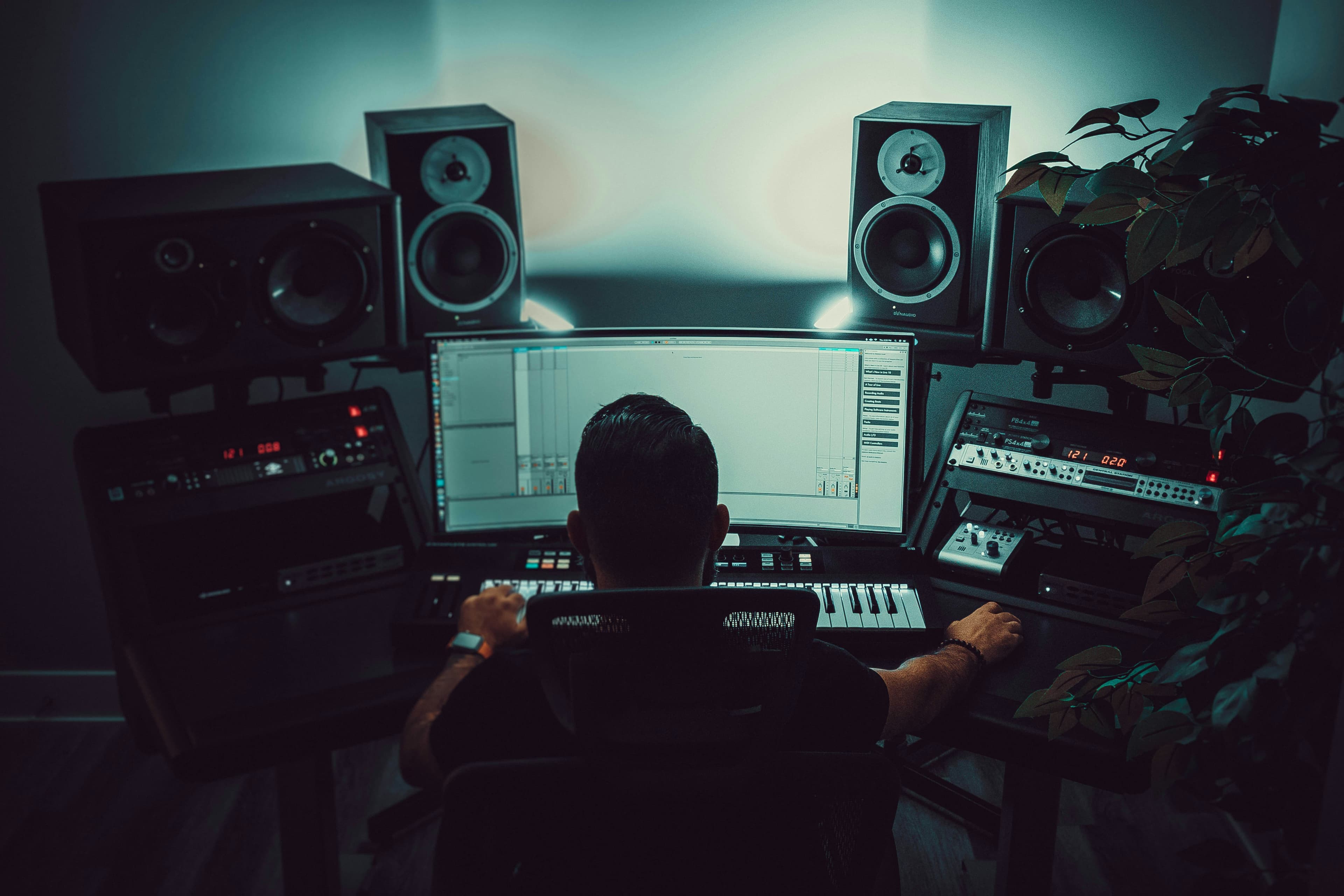
Many people want to create and monetize lo-fi music with AI, but they’re afraid of getting demonetized. In 2026, the rules are clearer but also stricter. Here’s a practical guide on how to do it properly, including an honest comparison of the most popular tools.
Creating lo-fi music with AI has become very popular. It’s fast, accessible, and seems like an easy side hustle. However, there’s one fear that keeps coming up: getting demonetized.
In 2026, YouTube, Spotify, and other platforms have become stricter with AI-generated content. Many creators have seen their videos or channels limited, demonetized, or even removed. So the question is no longer just “How do I create lo-fi with AI?” but rather “How do I do it without getting in trouble?”
Here’s a realistic and practical guide.
The Current Reality in 2026
Platforms are not banning AI music completely, but they are becoming much more selective. Here’s what’s happening:
YouTube treats mass-produced, low-effort AI content as high-risk. If your channel looks like it’s just uploading hundreds of similar AI tracks with no real value, your monetization can be limited or removed.
Spotify and other streaming platforms require proper metadata and disclosure. Fully AI-generated music without any human input is often deprioritized or rejected by some distributors.
Marketplaces are also tightening their rules. Many now require clear proof that you have commercial rights to the music you’re selling.
Bottom line: Pure “prompt → upload → hope for money” no longer works well. You need to add human value and follow the rules.
How to Create and Monetize Lo-Fi Music Safely
Here’s a more sustainable approach:
Use AI as a tool, not a full replacement The safest and most effective method right now is AI-assisted music rather than 100% AI-generated. Generate ideas or stems with AI, then arrange, edit, or combine them yourself. This gives you more ownership and better results.
Focus on quality and consistency Instead of uploading 50 tracks per week, focus on fewer but better tracks. Good structure, nice atmosphere, and coherent branding perform much better than quantity.
Add real value On YouTube, strong visuals, good titles, and proper descriptions matter a lot. On streaming platforms, proper metadata and consistent artist branding help.
Understand platform rules Always check the current policies of the platforms and distributors you use. Disclosure requirements exist for a reason.
Honest Comparison of Popular AI Music Tools in 2026
Here’s a realistic comparison of the most used tools right now:
Suno
Facilité d’utilisation : Très facile
Qualité musicale : Bonne
Droits commerciaux : Bons (avec un plan payant)
Publication & Workflow : Limité
Points forts : Idéal pour générer rapidement des idées
Points faibles : Peut sonner générique, workflow limité
Note globale pour un side hustle Lo-Fi : Bon pour les débutants
Udio
Facilité d’utilisation : Facile
Qualité musicale : Très bonne
Droits commerciaux : Bons
Publication & Workflow : Limité
Points forts : Styles créatifs et variés
Points faibles : Moins constant sur les longs morceaux
Note globale pour un side hustle Lo-Fi : Très bon en qualité
Soundraw
Facilité d’utilisation : Facile
Qualité musicale : Bonne
Droits commerciaux : Bons
Publication & Workflow : Moyen
Points forts : Bonne personnalisation pour le style lo-fi et ambient
Points faibles : Moins de feeling « humain »
Note globale pour un side hustle Lo-Fi : Bon polyvalent
Facilité d’utilisation : Très facile
Qualité musicale : Bonne
Droits commerciaux : Bons
Publication & Workflow : Excellent
Points forts : Workflow complet (création + publication + analytics dans un seul outil)
Points faibles : Qualité musicale légèrement inférieure aux leaders
Note globale pour un side hustle Lo-Fi : Meilleur workflow global
Mubert
Facilité d’utilisation : Facile
Qualité musicale : Moyenne
Droits commerciaux : Bons
Publication & Workflow : Limité
Points forts : Bon pour de la musique de fond royalty-free
Points faibles : Moins de contrôle créatif
Note globale pour un side hustle Lo-Fi : Usage de niche
Where assistt.io Stands Out
While tools like Suno and Udio are often stronger in raw music generation quality, assistt.io has a clear advantage when it comes to the full process:
It combines AI music generation with image tools, video creation, and direct publishing to multiple platforms.
You can go from creating a track to publishing it on YouTube and other networks without switching between five different apps.
It includes useful features like Voice Design and Voice Clone, which can be helpful if you want to add narration or voice elements later.
The integrated Social Media Manager and analytics make it easier to manage and track your content after publishing.
For someone doing this as a side hustle, the biggest bottleneck is often not the music itself, but the time spent on visuals, uploading, and managing multiple platforms. This is where assistt.io’s all-in-one approach becomes genuinely useful.
Final Advice
If your main goal is to experiment and generate ideas quickly, tools like Suno or Udio are currently excellent.
If you want to build a real, sustainable workflow where you can create, prepare, and publish content efficiently, then assistt.io is one of the stronger options available right now.
The key to avoiding demonetization in 2026 is not just which tool you use, but how you use it. Focus on quality, add your own touch, respect platform rules, and treat this as a real (small) business instead of hoping for fully passive income.
You can test assistt.io for free and see how its integrated workflow feels compared to using multiple separate tools.