Keep a Consistent Brand Voice in Every AI Video
- ai video
- brand voice
- content creation
- video avatars
- voice cloning
- social scheduling
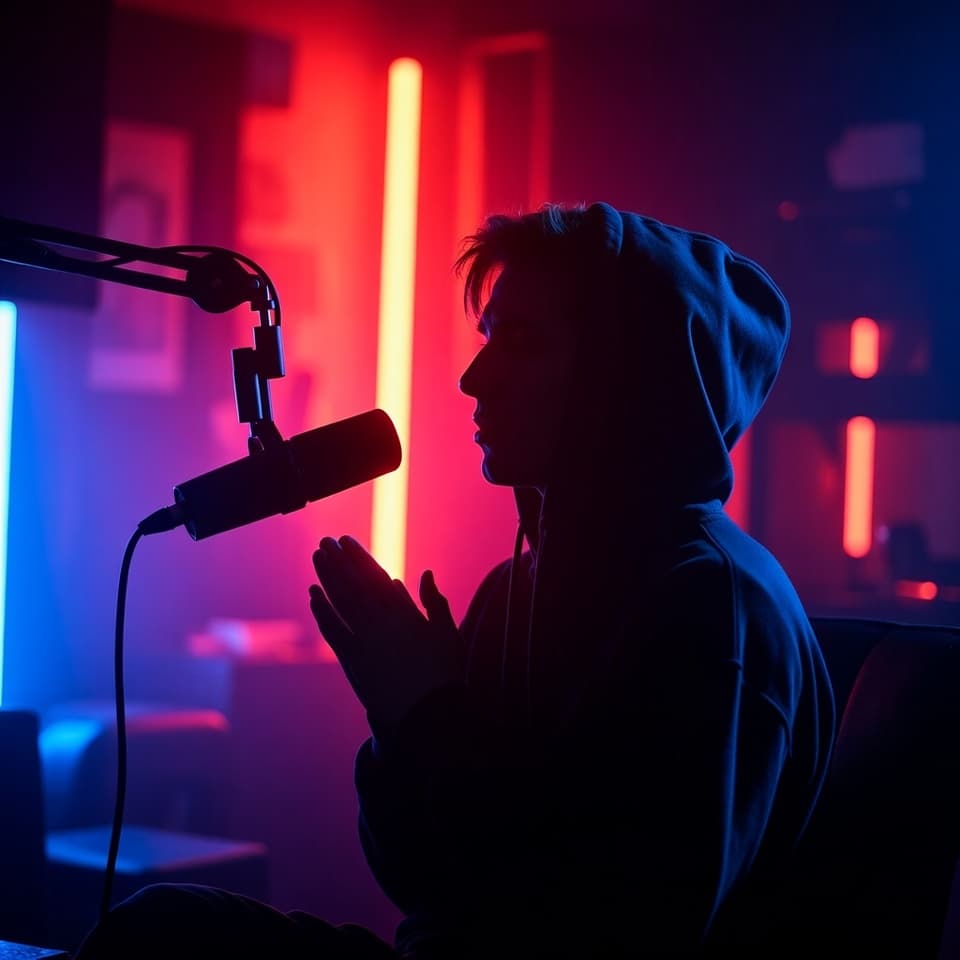
Learn practical ways to lock in tone, visuals, and narration so every AI-generated video feels like it came from the same team, even when you scale production.
A freelance marketer I know used to spend Sunday nights batching scripts for the week ahead. She would write five short videos, then hand them off to different freelancers for recording. The results always drifted: one clip sounded corporate, the next felt like a friend chatting over coffee. Her audience noticed the whiplash before she did.
AI video tools remove the hand-off problem, yet they introduce a new one. Without deliberate controls, each generation can wander in tone, face, or cadence. The fix is not more reviews. It is building repeatable systems around the parts that actually shape voice.
Start with a one-page voice brief
Write a short document that answers three questions: who is speaking, what attitude they bring, and which phrases they avoid. Keep it to one page so the whole team, or the AI, can reference it quickly. Store it in the same workspace where you generate videos so it does not get lost in email threads.
Update the brief whenever a campaign shifts direction. The document becomes the single source of truth that every later choice—avatar, script, or voice—points back to.
Lock the on-screen presenter
Visual consistency matters as much as words. Choose one or two avatars that match the brief and reuse them across projects. With Assistt you can create a custom presenter from a single photo upload, then call that same face in both the full Video Agent workflow and lighter Talking Avatar Video clips. The face stays identical even when the script length or aspect ratio changes.
Teams that skip this step often end up with a different person in every video. Viewers sense the mismatch even if they cannot name it. Reusing the same avatar removes the guesswork and keeps the brand presenter familiar.
“The fastest way to lose trust is to change the face every time the camera turns on,” says a social lead at a direct-to-consumer brand who now standardizes avatars before any new campaign ships.
Clone the voice once, then steer it
Narration drift kills brand voice faster than any other element. Record three to five clean samples of the person whose tone you want to keep and run them through Assistt’s Voice Cloning tool. The resulting voice appears in Text to Speech alongside the rest of your library, ready for any length script.
Use the stability and style sliders to match the brief. A founder-led series might sit at a slightly faster speed with higher expressiveness; a support series stays measured and calm. Because the base clone stays the same, you only adjust the dials instead of starting over with new samples each time.
Write scripts against the brief, not the tool
Feed the voice brief into the script stage. If the brief says the brand avoids jargon, strip it from every draft before generation. The AI Video Agent and Talking Avatar Video tools both accept plain scripts, so the same constraints apply whether you want B-roll or a simple headshot clip.
Keep scripts under 60 seconds for social-first work. Shorter scripts leave less room for the model to improvise tone. When you do need longer explainers, break them into two clips and keep the same avatar and voice clone across both.
Generate supporting assets that match
Background music and sound effects still carry brand signals. Generate tracks from the same prompt family each time: “warm corporate underscore, 90 bpm, subtle piano” or “playful electronic stinger under 15 seconds.” Store successful prompts in a shared note so the next person does not reinvent the wheel.
Assistt’s AI Music Generator and Sound Effects tools produce royalty-free files that drop straight into the same project as your video. Because everything stays inside one dashboard, you avoid the color shifts and volume jumps that happen when assets come from five different sites.
Publish from the same workspace
Once the video, captions, and music sit together, use the Schedule button inside the generator to push the finished asset straight into Social Publishing & Scheduling. The text enhancement step there lets you adapt copy per platform without touching the core narration or visuals. You keep the voice intact while the copy flexes for TikTok versus LinkedIn.
Check performance later in Social Analytics. If one platform rewards a slightly warmer delivery, you can nudge the style slider on future clones instead of rebuilding the entire system.
Quick checklist you can run today
- Save the one-page voice brief in your Assistt workspace.
- Create or select two reusable avatars that match the brief.
- Clone the primary narration voice and label it clearly.
- Write the next three scripts against the brief before generation.
- Reuse the same music prompt family for all videos this month.
- Schedule directly from the generator to keep assets together.
Consistency compounds. After six weeks of following the same short list, the videos start to feel like they were made by one steady hand—even when every frame was produced by an AI suite. The audience stops noticing the production method and starts recognizing the voice.